 Overview
The FT Search Manager is a dedicated Notes search tool that allows users to search multiple Notes databases (Mail & Archives, Chats, Applications, Quickr etc) and File Systems simultaneously.
This provides easy navigation through the vast amounts of data that can accumulate in a Notes environment over time.
Searching can be performed from a Notes Client, iNotes Client (Full or Mobile), Browser or Web Service, installed on a server, and/or replicated locally. The databases being searched can be anywhere.
Users can search Notes Mail & Archives, Sametime Chats, File Systems, Domain Indexes, Mail Journals, custom Notes Applications, Websites and Quickr.
Search functionality can be easily integrated into the Notes Client (via Mail Integration, Actions, Bookmarks, Toolbar Icons etc) or Applications & Websites.
Results display the Search queries in the context of the document, making it easy to locate target data, and users can easily refine, resort or export results.
You can even use the tool as part of your migration strategy, allowing users to export mail data themselves, when and if required, to PST, PDF, HTML or EML. For more information, please see our
Export Search page.
Mail & Mail Archive Searching
Because native mail archiving just moves mail to additional databases, it increases the complexity of finding & using email for users. That wastes time. A search tool goes a long way to improving that, because it simplifies data access into one interface.
However even in R9, searching Mail & Mail Archives offers few options for the search or results, and generally requires users to open each result document to check it for target data. That means more time spent making sense of the results, rather than quickly locating the required information.
The FT Search Manager provides many more options for searching Mail & Archives, then using the results.
1. Start from a Mail Action
 | 2. Enter Your Query
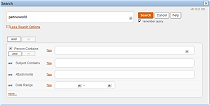
| 3. Navigate Results
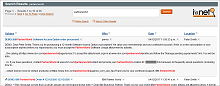
|
Better functionality means users can easily narrow down results to find the data they're looking for. See more screenshots here.
|
Application Searching
Add comprehensive, multi-database search functionality to your Applications and Application Suites using Frames or Dialogboxes.
1. Call the Search Dialog via Hotspot or Action
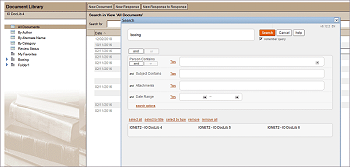
| 2. Navigate Results
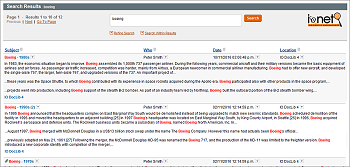
|
You can map Search Fields to individual Database Fields (e.g. the 'Person Contains' filter might map to a field called CustomerName and be renamed as 'Customer'), modify search queries, and control the data and result format returned per Database.
|
Compliance & Discovery Searching
The FT Search Manager provides Compliance, Discovery & Audit searching, allowing you to search thousands of databases at the same time (including Mail Journals), using field-level searches, then select and process the results. For example, your legal department could quickly locate all email to a particular recipient, select the appropriate results, then export them to PST, PDF, HTML or EML, or copy them to another database. You can also customise the processing options to fit your specific requirements.
1. Set Search Scope
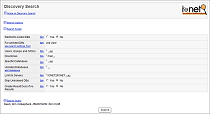
| 2. Set Search Query
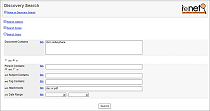
| 3. Navigate & Process Results
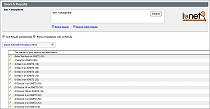
|
Users can also search and process results directly from their Mail & Archives, including via iNotes. Get more information here.
|
Faceted Searching
Faceted searching allows you to treat elements of the result set as 'facets', and refine your search accordingly. For example, you could re-search on a particular sender, date range, source database etc.
The FT Search Manager includes faceted searching, as many times as you want, including backing out each faceted search to the previous one. And as well as using any data in the result set as a facet to search on, it also allows searching on free-form text or the presence of attachments. To see how this works, please watch this short video;
To try this yourself, just download the demo search database, use the 'test' option (meaning you don't need to install anything), and start searching.
|
File System Searching
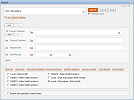
The FT Search Manager can search File Systems, either server-based or local, at the same time as Notes data. To enable local file searching;
1. Define Local Settings
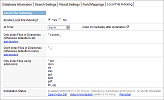
| 2. Search Normally
| 3. Navigate Results
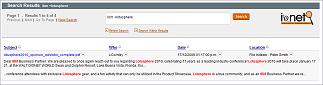
|
Users can also search server-based File Systems as distinct objects, with security. For example, g:\docs\marketing could be searchable by only the Marketing Department, as an object called "Marketing Library". For more information, please visit the File Indexer Page.
|
Sametime Chat Searching
The FT Search Manager automatically indexes and makes searchable Sametime Chat Transcripts, if they exist on the PC/Mac. This means users can search chats at the same time as Mail, Archives, Applications and File Systems, from anywhere in the Notes Client.
And users don't need to do anything - if they have chats on their PC, they'll be automatically available for searching.
1. Search Interface
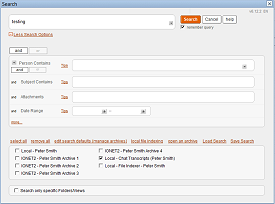
| 2. Search Results
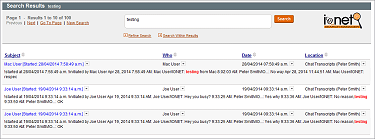
|
|
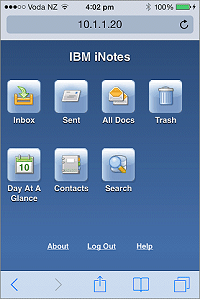
iNotes Mobile Searching
In the standard iNotes environment, Mobile Clients (e.g. using a Smartphone) have no search capability at all, and Full Clients (using a Browser) can only search the mail file that's currently in use.
Traveler clients only have basic search functionality (e.g. not including attachments), and usually only synchronise a subset of data. Older historical mail (especially mail archives) is out of reach.
Therefore with both Mobile Clients, historical mail data is almost completely useless.
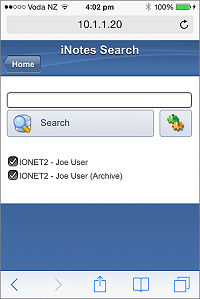
However the FT Search Manager now allows you to find search ALL of your Mail & Archives (and other databases if required, e.g. Shared Mail files), via the iNotes Mobile interface, using standard Full Text queries (searching attachments, field level queries, multiple 'search within results' etc), then use it.
This makes ALL of your data available to your Mobile device - anywhere, anyplace, anytime.
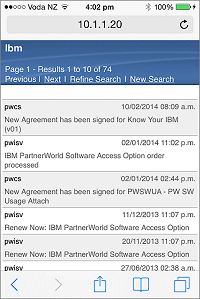
The result is that users can quickly and easily find any email they want, regardless of its date or location, use it (read, reply, forward), then return directly to the search results, or to their mail file.
You can use it in conjunction with Traveler, or standalone, to provide much more comprehensive mail functionality.
The search environment is configured automatically for each user, and the iNotes search environment itself installs with a single click.
1. Mobile Home
| 2. Mobile Search UI
| 3. Mobile Searching
| 4. Mobile Results
|
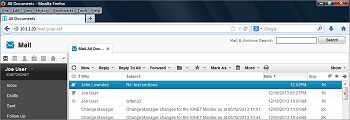
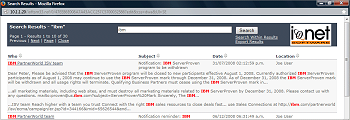
Full iNotes Searching is also available, allowing search of Mail and all server-based Archives;
1. iNotes Full Client Search UI
| 2. iNotes Full Client Search Results
|
Please see the iNotes Search Page for more information and demos, or to test in your own environment, just add the demo database to your iNotes server, then install iNotes searching using the Setup Wizard.
|
Attachment Searching
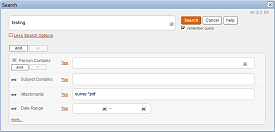
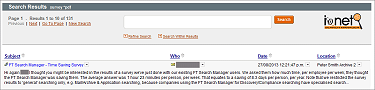
The FT Search Manager allows you to search on Attachment Names when performing Mail, Archive, Application or Discovery/Compliance Searching.
This allows users to search for specific parts of file names (e.g. "Budget 2014", or perhaps 'Budget AND 2014'), as well as wildcards (*.xls), operators (xls OR pdf) and any other full text query.
You can also search within attachments.
Users can combine these queries with normal operators to perform complex searches, such as finding all PDFs sent to the 'acme.com' mail domain within the past 3 months. They can then perform tasks on the results, such as copying those emails to another location for further investigation.
Enter Attachment Query
| Navigate Results or search again
|
|
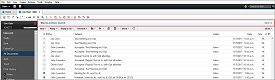
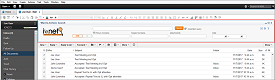
Notes Mail Integration
The FT Search Manager fully integrates with the Notes 8.5.3 or Notes 9 Standard Client, offering seamless searching of Mail & Mail Archives, directly from Mail.
Integrated Mail Search Minimised
| Integrated Mail Search Maximised
|
This optional feature can be installed by a single-click, and is controlled by the Administrator. The UI is fully translatable, and you can use your own Company Logo etc.
|
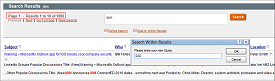
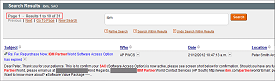
Searching Within Results
The FT Search Manager includes Search Within Results functionality when performing Mail, Archive, Application and Discovery/Compliance Searching.
This allows users to either refine their search criteria (for example to widen the result set), or search only within the current results, and as many times as they want.
Users can also back out each 'Search Within Results' search to the previous result set, thereby moving up and down the result chain.
This works in conjunction with Faceted Searching, as described above.
Enter 'Search Within Results' Query
| Navigate results or search again
|
|
List-Style Results
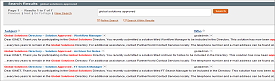
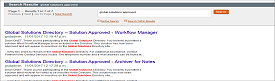
The FT Search Manager allows users to select between Table-Style results (like a Notes View), and List-Style results (like most web search engines).
This allows users to decide how they prefer to see search results, or the Administrator can decide for them.
1. Table-Style Results
| 2. List-Style Results
|
All colours and fonts can be customised to your preferences. |
Automatic Navigation to Query
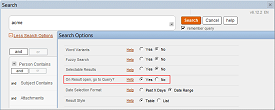
The Navigate to Query option allows users to automatically navigate to their search queries, when using the Notes Client to perform Mail, Archive or Application Searching.
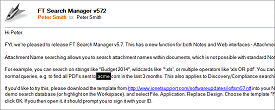
This allows them to not just see a representation of the document in the search results, but also go straight to the relevant area when opening the document, so they can quickly identify the target data.
Set the Navigate to Query option
| Automatically highlights query
|
|
Other Functions
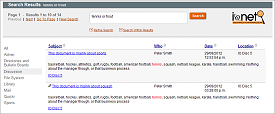
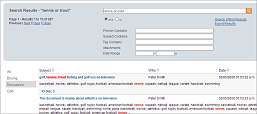
Refine your searches by Category directly from the Results Page, as per most standard Web search engines. This refinement further extends Web-style searching to the Notes Client.
Notes Results
| Browser Results
|
This optional feature can be controlled by the Administrator, including the stylesheets used in the Browser client.
|
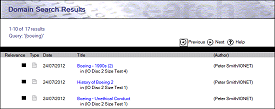
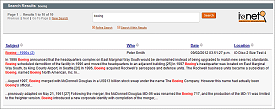
The FT Search Manager extends your existing Domino Domain Index/Domain Search to make the most of your existing Notes environment.
Native Domain Search Results
| FTSM Domain Search Results
|
You can control the format and volume of data returned, remove bogus result documents, re-sort the results, refine your search from the results, export results etc.
Seamlessly integrates with both the Notes Client and Web Browser.
For more information, please visit the Domain Search Page.
|
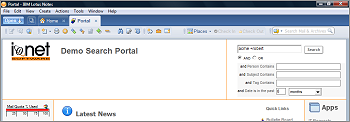
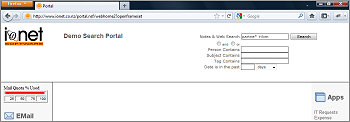
Easily search multiple Applications or File Systems from a Notes-based Search Frame, or an iFrame in a Web-based Portal.
1. Notes-based Frame searching
| 2. Browser-based iFrame searching
|
You can also decide & compute which Categories, Search Fields (e.g. 'Tag Contains') to display, and on a per-user or per-page basis.
|
All columns in the result set are sortable, and you can use your own functions on results selected by the user (defaults are Export to PDF, Copy To Database, Copy to new Email, Add to Folder and Delete).
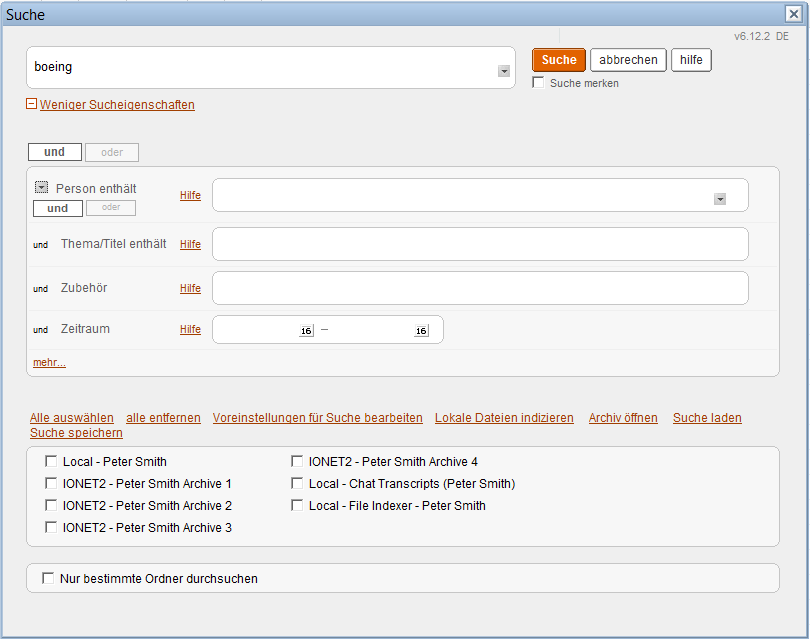
You can additionally translate user functions into whatever language you prefer, simply by changing documents. For example, this is the Mail Search dialog translated into German.
|

Notes, Browser and Web Service searching, server-based or locally.
Search Notes Data (server-based or local), File Systems (server-based or local), or both.
Search Mail, Archives and Chats from the Notes Client and iNotes, including bespoke Applications.
Search via Web Service, exposing Notes Data & File Systems to Web Service Consumers.
Search from any of your existing Notes Applications.
Search Quickr Places, Blogs and Wikis at the same time as other Notes data.
Sortable, re-searchable, exportable results.
Search queries show in context in the result set, making it easy to find target data.
Perform custom functions on selected results, e.g. exporting to PDF or PST.
Fully translatable and customisable UI.
Conforms to Notes security.
Improve your
iNotes environment.
IONET FT Search Manager is among the best first class Notes-Apps I have seen.
Prof. Dr. Ludwig Nastansky, University of Paderborn
We needed a tool for searching multiple databases and found that the FT Search Manager meets our needs perfectly.
Jürgen Starkl, Porsche Informatik
FT Search Manager is really the "killer app" we have been searching for....I found nothing that can compare with FT Search Manager's flexibility, ease of use, stability, and quality of results.
Brent Nye, Los Alamos National Laboratory
It's a great product at a great price and something everyone in the Notes/Domino community should be using.
Tom Markovich, Chicago Lotus Notes User Group
The Tool is actually AMAZING, it saves me A LOT of time searching through my Local Archives.
Francisco Javier Ibarra Cavazos, CEMEX
Started using your search tool - VERY good results so far. Thank You - this has been VERY helpful.
Corbett Schollmeyer, Large IT Multinational, USA
FTSM is the best thing that happened to Lotus Notes and continues to be.
Sherry Thomas, Large IT Multinational, India
❮
❯