The following information summarises the major components of the Archiver for Notes User Experience.
You can also
download this document as a PDF.
Archived Mail
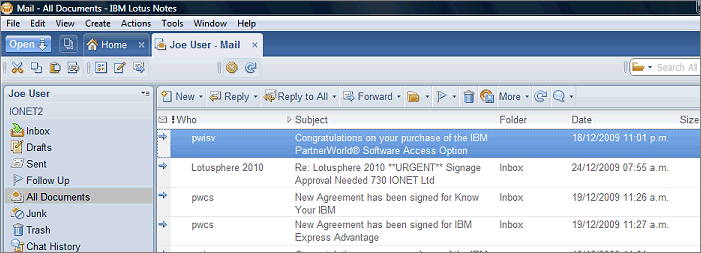
Archived email appears in the users mail file as normal (you can set icons to denote archived documents if you want).
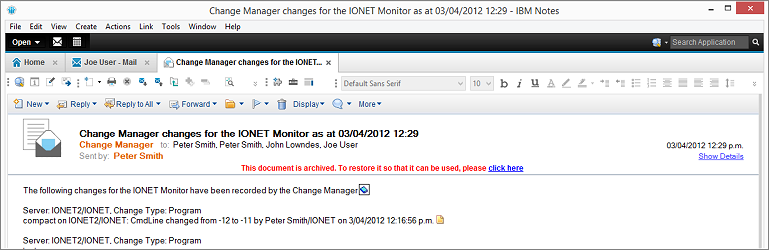
Opening the email retrieves the content from the mail archive, with an optional notification (that you can customise).
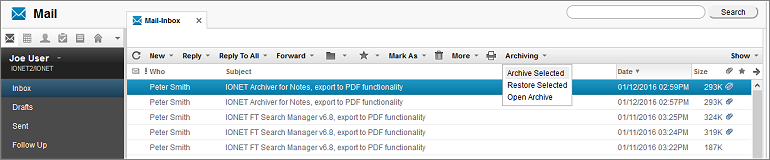
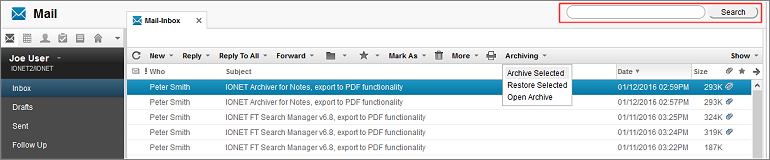
Full iNotes/DWA web mail support is available (note the 'Archiving' menu and Search Bar).
The user has the following Notes Client options to manage their archives, from the Actions menu and/or the Navigation Outline.
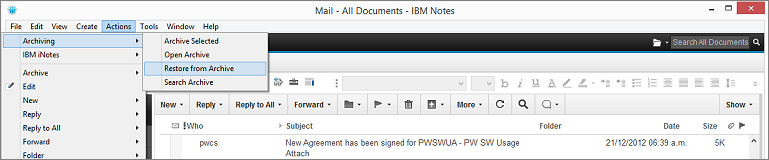
With similar options in iNotes.
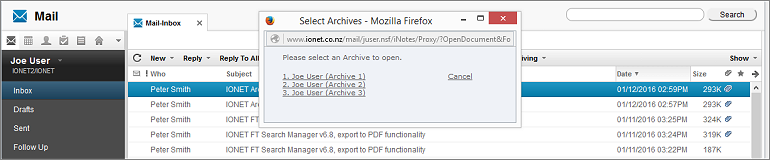
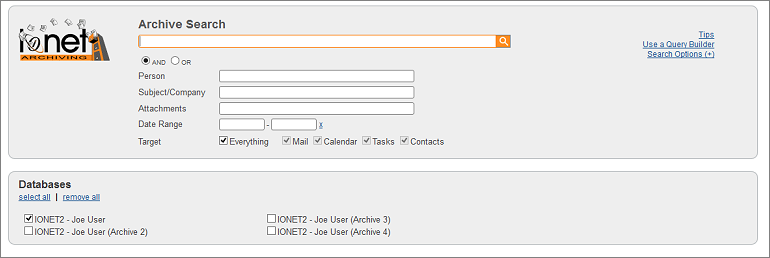
Searching
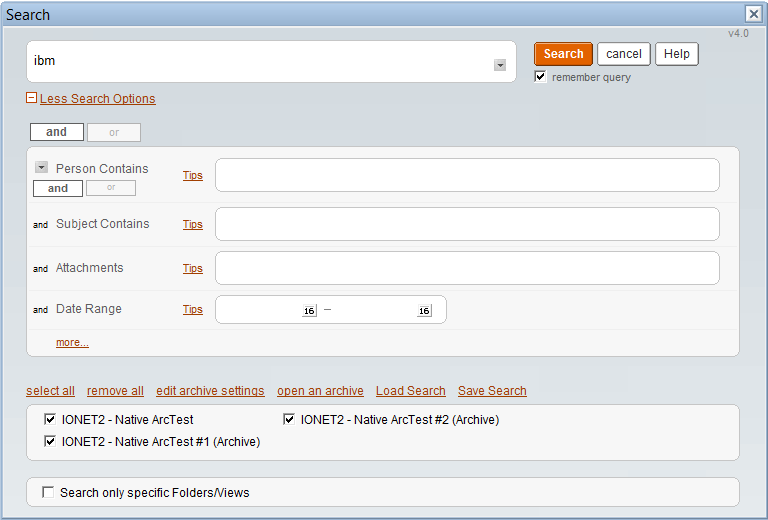
Users can search production and archived data simultaneously, either directly from the production and archived databases.
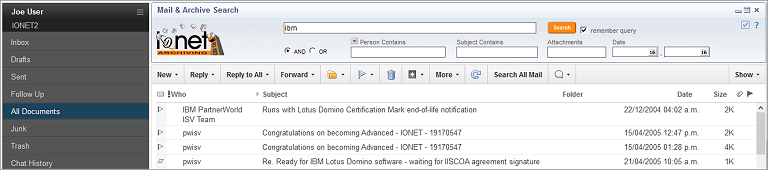
Or from anywhere in the Notes Client.
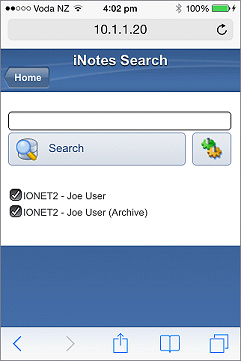
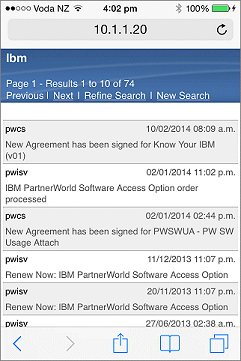
From a Browser (including iPad, iPhone, Smartphone)
or iNotes.
With search results available in the Notes Client.
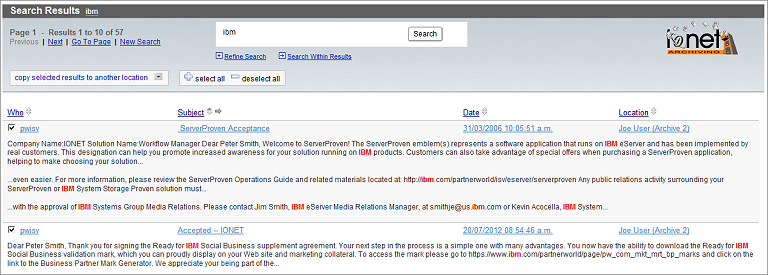
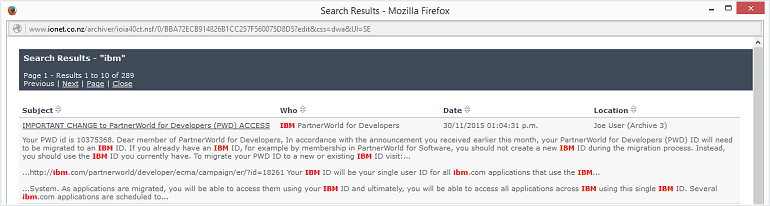
Browser
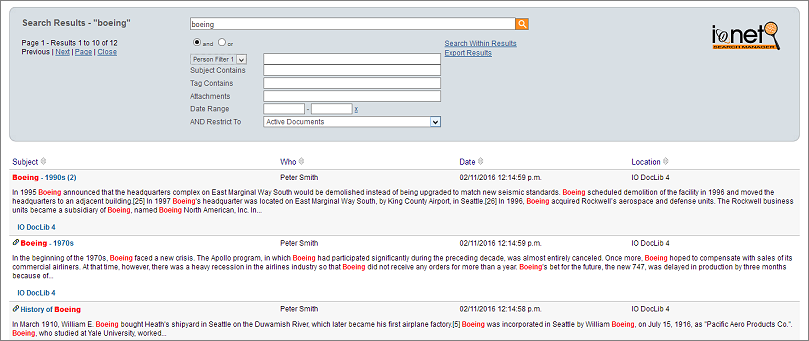
or iNotes.
The Search Result headers (Subject, Who, Date, Location etc) can be defined by the Administrator, are sortable, and searching is available locally or on the Domino server.
Local Functions
All archive databases can be replicated and used on the local Notes Client, with Administrators able to define an automatic email to replicate archive databases in the background.
Users can also migrate native Notes archives in the background using an automatic, Administrator defined email.
IBM Quickr Places
Administrators can archive specific Quickr Documents, Folders, Rooms or Places, or the entire Quickr server. The Administrator can also link the original documents to the archived Quickr documents, and all this can all be performed with a single Profile document.
You can specify multiple Archive Criteria.

and production documents can remain with a customised link to the archived document.

Demonstration
This video shows various aspects of the User experience.
For more information, please
Contact Us, or return to the
Archiver Page.